iPad vs iPad Air for Students: Is the $150 Worth It?
Published on November 9, 2026
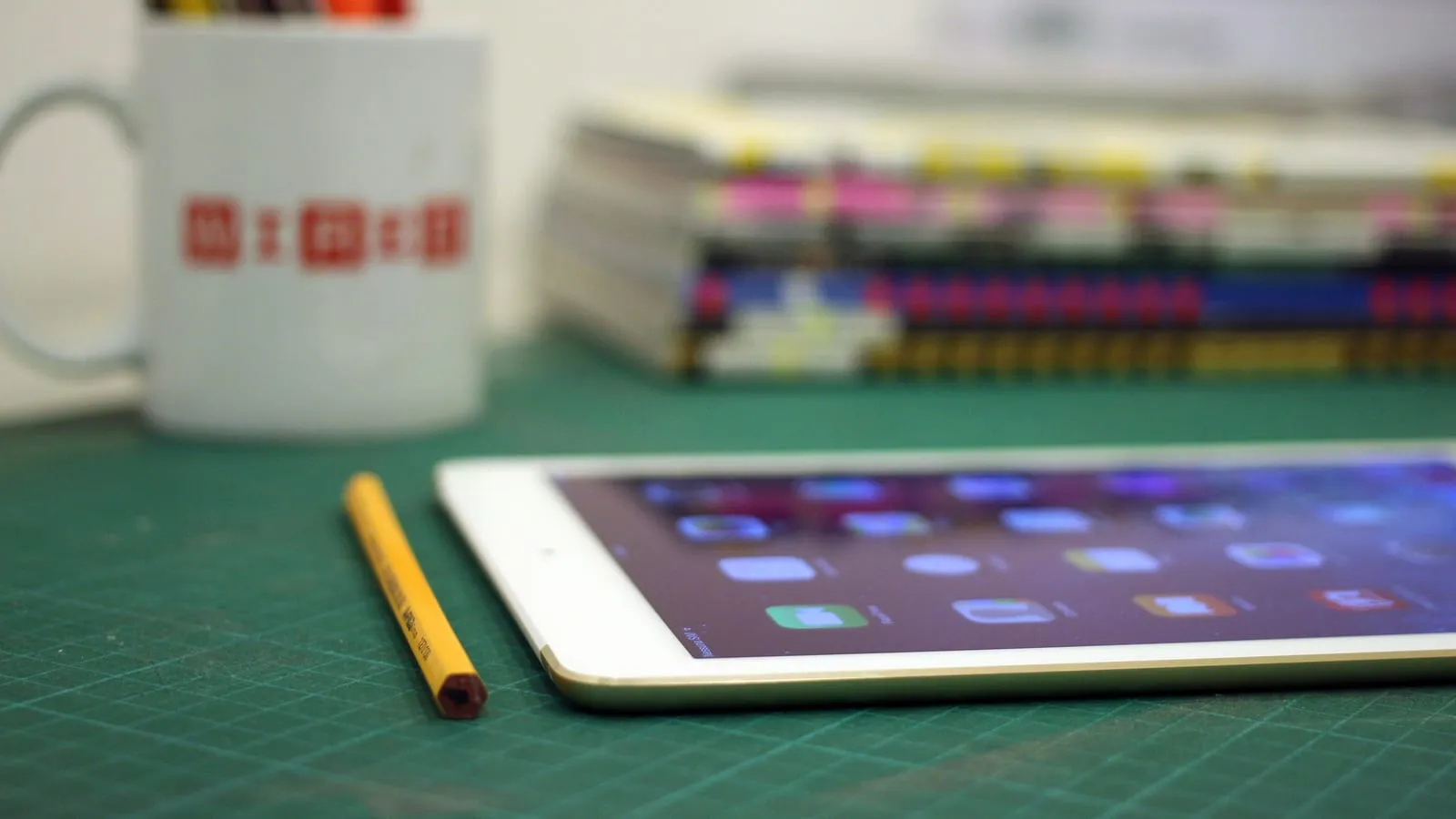
The iPad has become the notebook for a lot of students: the course reader as a PDF with notes on top, lecture slides with highlights, the textbook open next to the essay. The question that stalls the purchase is almost always the same: is the base iPad enough, or is the iPad Air worth it?
In the US, the answer changed this year. Apple’s June price increase pushed the base iPad to $449, while the M4 iPad Air kept its $599 starting price. The gap is now $150, and that changes the math.
What studying actually asks of a tablet
For reading and note-taking, what matters is the screen, the pencil and the battery. Both have 11-inch screens and battery for a full day of classes, and both work with the Apple Pencil (USB-C), which attaches magnetically and is what most students use for handwriting.
The processor barely shows up in that kind of use. Opening a 300-page PDF, scribbling on it and switching to the browser is light work for both. The chip gap appears in video editing, layered drawing, heavy games and, above all, the next point.
What the Air has that the base iPad does not
- Apple Intelligence. The base iPad uses the A16 with 6GB of memory, below the 8GB Apple requires for its AI features. The M4 Air, with 12GB, runs them. If writing tools, summaries and the new Siri are part of your plans, this is the biggest difference.
- Apple Pencil Pro. Only the Air supports it, with pressure sensitivity, squeeze and haptic feedback. The USB-C Pencil has no pressure sensitivity: lines come out the same width no matter how hard you press. For writing, nobody notices. For drawing, everyone does.
- Headroom. An M4 with 12GB will age much more slowly than an A16, which matters if the same tablet has to last from freshman year to graduation.
The math that usually decides it
With a $150 gap, the Air is easy to justify for anyone who will keep the tablet for a full degree, wants Apple Intelligence, or draws. Over four years, that is under $40 a year for a much more capable machine.
The base iPad is still the right pick when the budget is fixed, the tablet is a reading and note-taking companion to a laptop, or it will be replaced in two or three years anyway. Add the USB-C Pencil and the whole kit stays under $550.
Wait for the next base iPad?
MacRumors expects the successor in early 2027 with an A18 chip and enough memory for Apple Intelligence, at the same $449 starting price. If you only read and annotate, there is no reason to wait. If you want Apple’s AI features without paying for the Air, waiting a few months makes sense.
Prices change often between sales and sellers. Check the current price before you buy.
Which one to get
| Profile | Pick | Price range |
|---|---|---|
| Full degree, drawing, Apple Intelligence | iPad Air M4 | $550 – $600 |
| Reading, PDF notes, fixed budget | iPad 11 + Apple Pencil (USB-C) | $470 – $530 |
If long reading sessions on a bright screen wear you out, the Kindle 2024 vs 2026 comparison explains why E Ink is easier on the eyes for books. And if the iPad shares the desk with a laptop, the USB-C hub buying guide helps run everything through one port.
Our recommendations
iPad Air 11-inch (M4, 128GB)
In the US the Air costs only about $150 more than the base iPad, and for a four-year degree that gap buys real headroom.
Pros
- M4 chip with 12GB of memory, built to age slowly
- Runs Apple Intelligence
- Works with Apple Pencil Pro: pressure sensitivity, squeeze and haptic feedback
Cons
- The Apple Pencil Pro is extra, which widens the gap
- For reading and note-taking, the day-to-day experience is close to the base iPad
- 128GB fills up fast with lecture recordings; the next storage tier costs more
$550 – $600
Check price on AmazoniPad 11-inch (A16, 128GB)
Covers reading, PDF annotation, lectures and papers, and the right pick when the budget is fixed.
Pros
- 11-inch screen, Touch ID and 128GB on the base model
- Works with Apple Pencil (USB-C), which is all most note-takers need
- Frequently discounted, and likely more so as its successor approaches
Cons
- The A16 with 6GB of memory cannot run Apple Intelligence
- No Apple Pencil Pro support
- Its list price went up $100 in Apple's June increase, narrowing the gap to the Air
$400 – $450
Check price on AmazonApple Pencil (USB-C)
The pencil that turns either iPad into a notebook, and the cheapest Apple pencil that works with both.
Pros
- Attaches magnetically and pairs over USB-C
- Works with both iPads in this guide
- Plenty for handwriting and highlighting
Cons
- No pressure sensitivity, so it is a poor fit for drawing
- No wireless charging; it needs the cable
- Lacks the squeeze and barrel-roll features of the Pencil Pro
$70 – $80
Check price on AmazonPrices are reference ranges and change often, so check the current price on Amazon before buying.
Frequently asked questions
Is the base iPad good enough for college?
For most of it, yes: reading PDFs, handwritten notes, recorded lectures, writing papers with a keyboard and video calls. It falls short on heavy video editing, pressure-sensitive drawing and Apple Intelligence, which it cannot run.
Which Apple Pencil works with the base iPad?
The Apple Pencil (USB-C) and the first-generation Apple Pencil. The Pencil Pro and second-generation Pencil do not work with it. For note-taking, the USB-C model is the one to get. Its only real limitation is the lack of pressure sensitivity, which matters for drawing, not writing.
Should I wait for the next base iPad?
Only if Apple Intelligence matters to you. MacRumors expects the next base iPad in early 2027 with an A18 chip and enough memory for Apple's AI features, at the same $449 starting price. For reading and annotating, today's model does the same job and will likely get cheaper as the new one approaches.