Smartwatch With Fall Detection for Seniors: What Works
Published on November 21, 2026
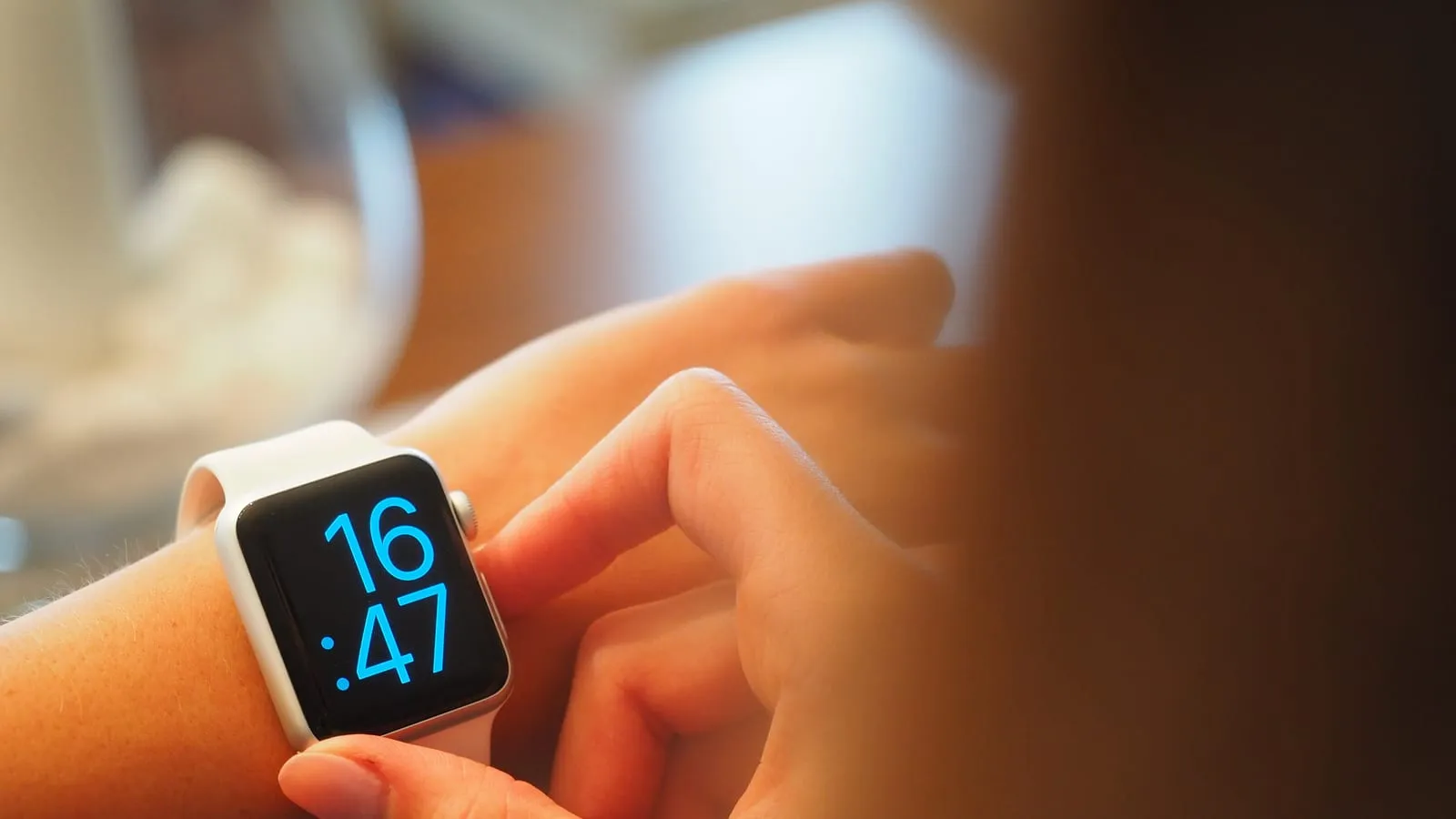
People shopping for a fall detection watch for a parent usually picture the same scene: a fall at home, no one around, and the watch calls for help. Good watches do that. But three details decide whether it will work in that home, for that person, and almost no listing mentions them.
1. It only protects while it is on the wrist
It sounds obvious, and it is where the plan most often breaks. Apple rates the Apple Watch SE 3 at up to 18 hours. The 40mm Galaxy Watch8 has a 325mAh battery and also needs a daily charge with normal use. The natural habit is charging overnight, which puts the watch on the nightstand exactly when someone gets up for the bathroom in the dark.
What works better: charge in the morning, during a shower and breakfast. The SE 3’s fast charging, rated by Apple at up to 8 hours of use from 15 minutes on the charger, helps. And comfort matters: a soft band and the 40mm size tend to go over better with someone who has never worn a smartwatch.
2. What happens after a fall
Both detect falls. They respond differently.
- Apple Watch: taps the wrist, sounds an alarm and asks if the wearer is OK. If they move, it waits. If they stay still for about a minute, it starts a 30-second countdown and, if no one cancels, calls emergency services on its own. After the call, it texts emergency contacts with the location.
- Galaxy Watch: shows an alert for 60 seconds with sound and vibration. With no response, it sends an SOS with the location to contacts saved in the Galaxy Wearable app.
That difference matters for someone who lives alone. Samsung’s alert depends on a family member seeing the message and acting. Apple’s call goes straight to a dispatcher. On the other hand, an automatic call can also fire after a hard but harmless movement, and both companies say not every fall is detected.
One setup detail: on the Apple Watch, fall detection turns on automatically when the age entered is 55 or older. On the Galaxy Watch, someone has to switch it on in the app and add the contacts. Do it with your parent, and run through it with whoever will receive the alerts.
3. The watch leans on a phone
This is the part that surprises people after the purchase.
The Apple Watch only works with an iPhone. The GPS model calls for help through the iPhone, which has to be nearby or on the same Wi-Fi. The GPS + Cellular model has its own line and calls from anywhere, which matters for a parent who walks without their phone.
If your parent does not use an iPhone, the US has an option that many countries lack: Apple’s family setup, where you manage a cellular Apple Watch from your own iPhone and your parent wears it with its own line. Apple requires the cellular model, a Family Sharing group and, on recent watchOS versions, an SE 3 or Series 9 or later. Apple also notes that prepaid and some older carrier accounts are not supported, so check with your carrier first.
The Galaxy Watch8 only works with Android. For an Android household it is the cheapest solid option: with the Galaxy Watch9 launched at $379, last year’s model sells well below its $349 launch price. The Watch9’s bigger battery (390mAh versus 325mAh) is nice, but for fall detection the Watch8 does the same job.
Prices change often between sales and sellers. Check the current price before you buy.
Which one to get
| Situation | Watch | Price range |
|---|---|---|
| Parent has no iPhone, you do | Apple Watch SE 3 GPS + Cellular | $270 – $330 |
| Parent uses an iPhone, mostly at home | Apple Watch SE 3 GPS | $200 – $250 |
| Parent uses Android | Galaxy Watch8 40mm | $220 – $300 |
If all your parent wants is steps and the time, without the emergency features, a fitness band costs far less: the Xiaomi Smart Band 9 vs Smart Band 8 comparison shows what that price range gets you. And since the Galaxy Watch needs Android, if your parent’s phone is due for an upgrade too, the Galaxy A36 vs A37 vs A57 comparison covers Samsung’s midrange.
Our recommendations
Apple Watch SE 3 (GPS + Cellular, 40mm)
The pick for a parent without an iPhone: managed from a family member's iPhone, with its own line to call for help.
Pros
- Calls emergency services on its own if the wearer stays still for about a minute after a fall
- Can be set up through Apple's family setup, so the wearer does not need an iPhone
- Messages emergency contacts with the wearer's location after the call
Cons
- Needs a cellular plan from a supported carrier, with a monthly cost
- Battery rated at up to 18 hours, so it needs a daily charge, and it detects nothing off the wrist
- Prepaid and some older carrier accounts are not supported, per Apple
$270 – $330
Check price on AmazonApple Watch SE 3 (GPS, 40mm)
For a parent who already uses an iPhone and spends most of the day at home.
Pros
- Same fall detection and automatic emergency call as the cellular model
- Fall detection turns on by default when the wearer's age is 55 or older
- Fast charging: Apple rates 15 minutes for up to 8 hours of use
Cons
- Calls for help through the iPhone, which must be nearby or on the same Wi-Fi
- Works only with an iPhone
- Cannot be used with Apple's family setup, which requires the cellular model
$200 – $250
Check price on AmazonSamsung Galaxy Watch8 (Bluetooth, 40mm)
For an Android household: now that the Watch9 is out, last year's model sells for well under its $349 launch price and keeps fall detection.
Pros
- Detects falls and, after 60 seconds without a response, sends an SOS with location to saved contacts
- Large, bright screen for time and notifications
- Typically discounted below the $379 Galaxy Watch9
Cons
- Does not work with an iPhone
- Fall detection must be turned on in the Galaxy Wearable app
- 325mAh battery that needs charging daily with normal use; the Watch9 moved to 390mAh
$220 – $300
Check price on AmazonPrices are reference ranges and change often, so check the current price on Amazon before buying.
Frequently asked questions
Does a smartwatch call 911 after a fall?
The Apple Watch does: if the wearer stays still for about a minute after a fall and does not cancel a 30-second countdown, it calls emergency services and then texts emergency contacts with the location. Samsung's support pages describe the Galaxy Watch sending an SOS to saved contacts after 60 seconds without a response. Either way it needs a connection: a nearby phone, Wi-Fi, or a cellular watch.
Can my parent use an Apple Watch without an iPhone?
Yes, with a cellular Apple Watch set up from your iPhone through Apple's family setup. Apple says a cellular plan is needed for some features, the wearer must be in your Family Sharing group, and recent watchOS versions require an Apple Watch SE 3 or Series 9 or later. Check that your carrier supports it before buying.
Do cheap smartwatches have reliable fall detection?
Rarely. Budget fitness bands generally do not offer it, and a listing that claims it should be treated with caution. Reliable detection needs good sensors, a tuned algorithm and a way to actually call for help, which today means mainstream watches like Apple's and Samsung's.