Tapo C200 or C210? And SD Card or Cloud Storage
Published on November 11, 2026
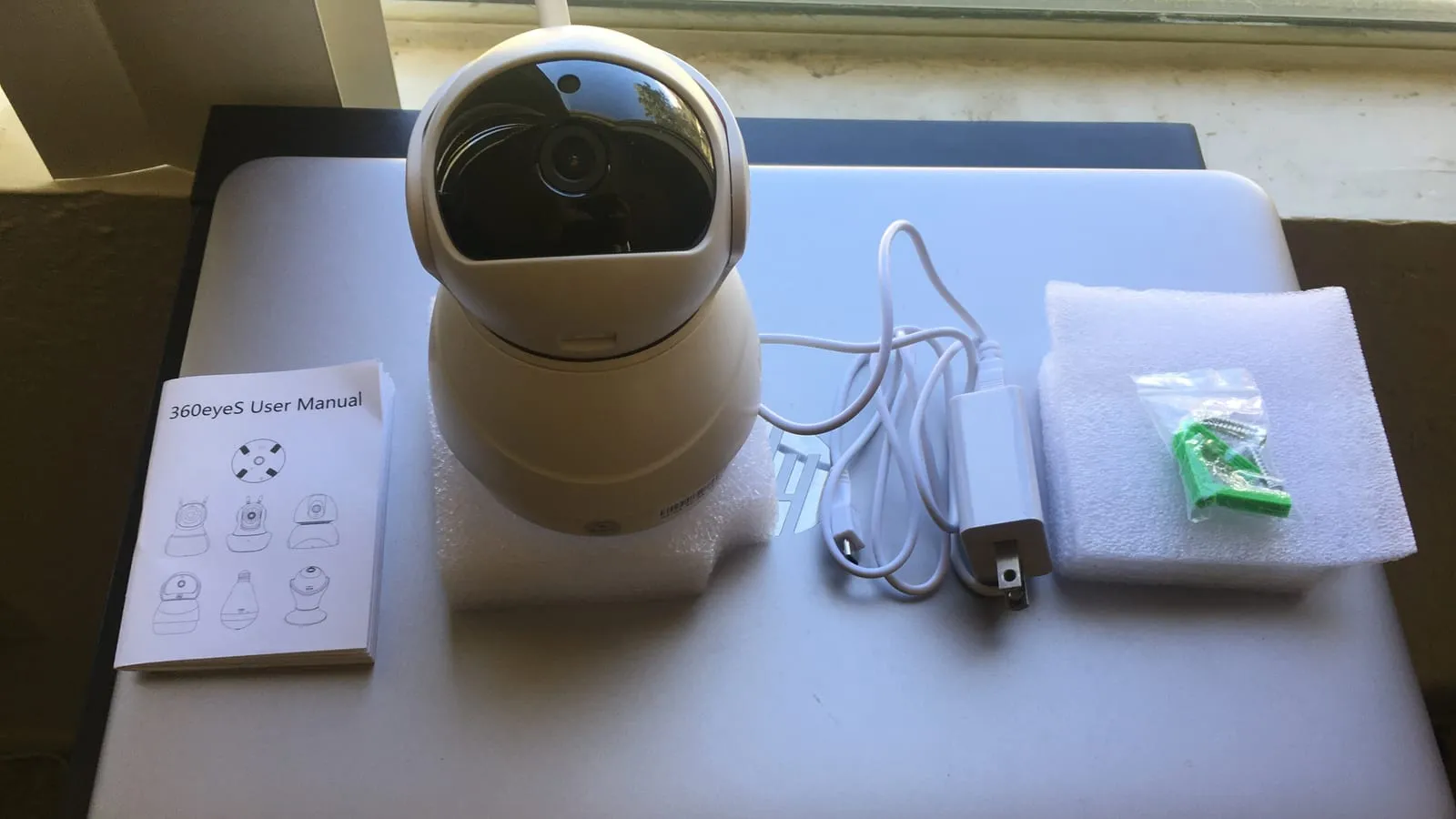
The Tapo C200 and C210 are among the most popular indoor cameras on Amazon for a simple reason: for less than a takeout dinner, you get a camera that pans and tilts, sees in the dark and lets you talk to whoever is home.
In the US the camera choice is quick, because the 2K C210 usually costs only a few dollars more than the 1080p C200. The question almost nobody asks before buying is the one that matters later: where the footage lives. Card, cloud, or both.
C200 vs C210
The C200 records in 1080p, enough to see who walked in and what is happening. The C210 records at 2304x1296 and adds person detection, which cuts the alerts set off by curtains, shadows and pets. At the usual US price gap, the C210 is the better buy for nearly everyone.
Three limits show up after installation, on both:
- 2.4GHz Wi-Fi only. TP-Link’s community forum has long-running threads about cameras going offline on their own. Users report fewer drops after separating the 2.4 and 5GHz networks, and TP-Link’s support suggests turning off band steering on the router.
- Glass at night. Infrared night vision reflects off window glass. A camera pointed outside through a window shows the yard by day and a white glare by night.
- Indoor only. Neither handles rain or direct sun.
microSD card: cheap, with two weak spots
Both cameras take cards up to 512GB and record with no subscription. For most homes, that is the right setup, with two caveats.
Use a high-endurance card. The camera records in a loop, erasing and writing constantly. Regular phone cards were not built for that, and cameras that suddenly “forget” their card are a common complaint in user forums. Cards labeled High Endurance, like SanDisk’s 128GB model, are built for this: SanDisk rates it for up to 10,000 hours of Full HD recording.
The card lives inside the camera. If the camera gets taken or smashed, the footage goes with it. For watching the dog, that does not matter. For security, it matters a lot.
Cloud: what Tapo Care fixes
A Tapo Care subscription stores footage outside the house. If the camera disappears, the video is still there, and alert clips are easier to find and share. Plans are billed monthly or yearly, per camera on the basic tier; third-party trackers list it at roughly $3.49 a month, and the Tapo app shows the current price.
The setup that makes the most sense for security is both: the card recording everything, the cloud keeping the alerts. If the camera is taken, the clips from that moment are safe.
Prices change often between sales and sellers. Check the current price before you buy.
Quick guide
| Use | Setup | Cost |
|---|---|---|
| Pet, baby, sitter check-ins | C210 + High Endurance card | $40 – $60 once |
| Security against break-ins | C210 + card + Tapo Care | Same, plus a monthly fee |
| Tightest budget | C200 + High Endurance card | $35 – $55 once |
Tapo cameras work with Alexa, and viewing one on an Echo Show screen is one of the most practical uses: the Echo Pop vs Echo Dot vs Echo Show 5 comparison covers which Echo has a screen for it. And since these cameras only use 2.4GHz, one mounted far from the router suffers from weak signal; the Wi-Fi dead zone guide shows how to fix that before blaming the camera.
Our recommendations
TP-Link Tapo C210 (2K)
The one to buy: 2K resolution and person detection for a few dollars more than the 1080p model.
Pros
- 2304x1296 resolution, which helps make out faces at a distance
- Person detection cuts alerts triggered by curtains and pets
- Pans and tilts, so one camera covers a whole room
Cons
- 2.4GHz Wi-Fi only
- Bigger files than the C200, so cards fill faster
- Indoor only; infrared reflects off window glass at night
$25 – $35
Check price on AmazonTP-Link Tapo C200 (1080p)
Still fine for checking on a pet or a baby, but rarely worth it over the C210 at US prices.
Pros
- Pan, tilt, night vision and two-way audio
- Records to microSD up to 512GB with no subscription required
- Works with Alexa and Google Home
Cons
- 1080p is enough to see who is in the room, not to read detail from across it
- 2.4GHz only, and TP-Link's forum has long threads about cameras dropping offline on mixed-band routers
- Usually only a few dollars cheaper than the C210
$20 – $30
Check price on AmazonSanDisk High Endurance 128GB microSD
The card built for cameras that record all day, and the reason many cheap cameras quietly stop recording.
Pros
- SanDisk rates it for up to 10,000 hours of Full HD recording
- Designed for continuous rewriting, which is what loop recording does
- 128GB holds several days of continuous footage
Cons
- Costs more than a regular card of the same size
- Slower than performance cards, which does not matter for a camera
- Does not protect footage if someone walks off with the camera
$15 – $25
Check price on AmazonPrices are reference ranges and change often, so check the current price on Amazon before buying.
Frequently asked questions
Does a Tapo camera record without internet?
Yes, if it has a microSD card. Recording continues to the card while the internet is down, as long as the camera has power. What stops is live view on your phone and alerts. With no card and no internet, it saves nothing.
Which microSD card should I use in a Tapo camera?
A high-endurance card, labeled High Endurance or Max Endurance. Cameras record in a loop, erasing and writing constantly, and regular phone cards wear out fast under that load. Cameras that suddenly stop recognizing their card are a recurring complaint in user forums, and the usual fix is swapping in a high-endurance card.
Is Tapo Care worth paying for?
It is if you need footage to survive the camera being stolen or smashed, which is exactly the break-in scenario. The cloud also keeps alert clips and makes sharing easy. Third-party trackers list the basic plan at roughly $3.49 a month per camera; check the Tapo app for your current price. For keeping an eye on a pet or a baby, a card is enough.