Wireless Chargers: What to Buy (and When Not to Bother)
Updated on August 13, 2026
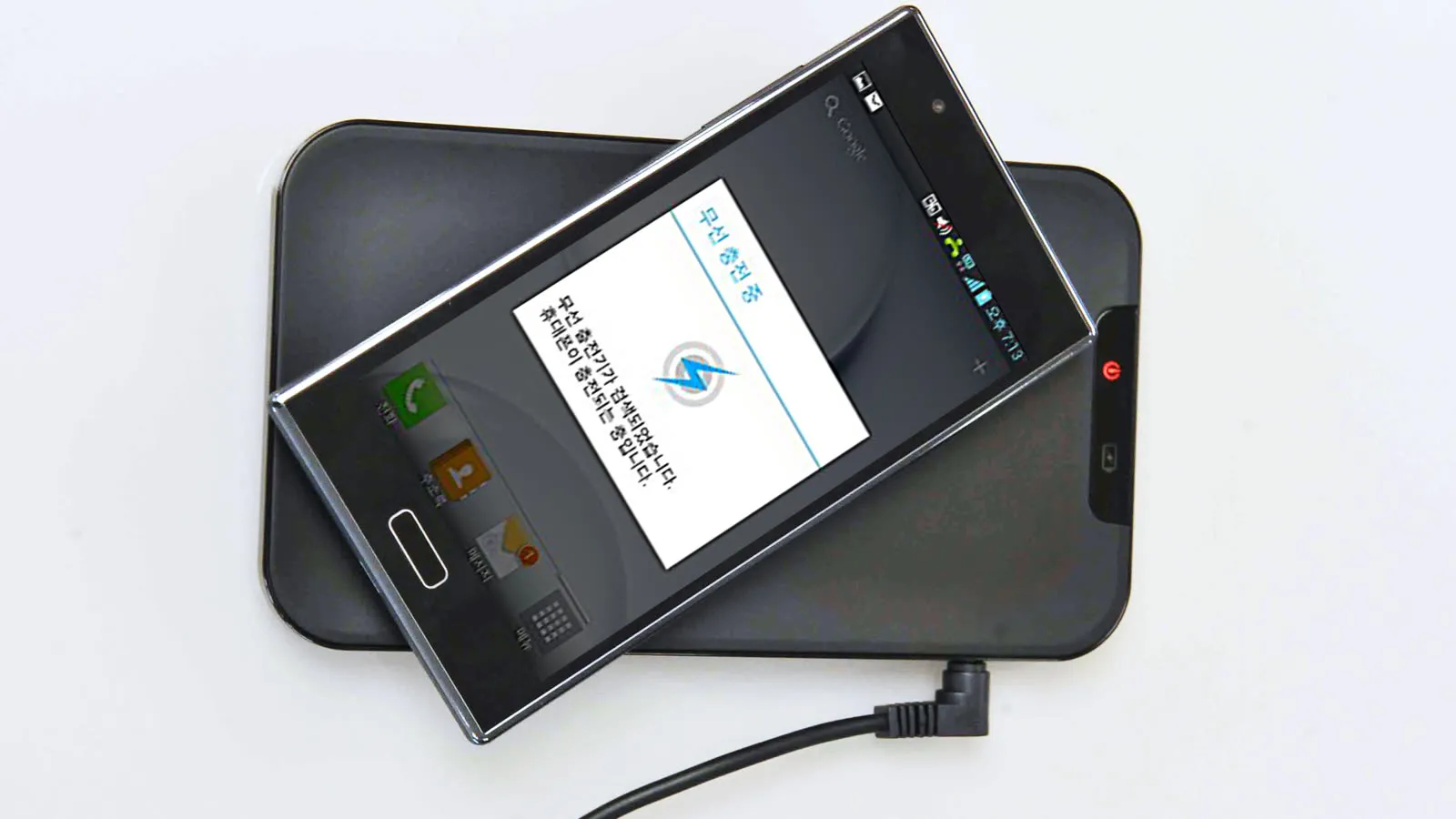
Wireless charging was never about speed: a cable will always be faster. It’s about friction: the difference between setting your phone down and plugging in a connector ten times a day. It’s worth it when that friction bothers you, and it isn’t when you need battery in a hurry.
Qi, Qi2 and MagSafe: what actually changes
- Qi (the old standard): 5W to 7.5W with no magnets. You have to hit the sweet spot, and being a few millimetres off slows or stops charging entirely.
- MagSafe: Apple’s implementation, with a magnet ring and 15W on iPhone.
- Qi2: the open standard adopted those magnets. A Qi2 charger delivers 15W to iPhones and compatible Android phones, and alignment stops being something you think about.
If you’re buying today, buy Qi2. The price gap over old Qi pads is small and the reliability gain is large.
When the cable is still the right answer
- You need 80% in half an hour before heading out. Induction isn’t close.
- Your phone doesn’t support Qi2, so you’d be stuck at 7.5W.
- You charge while using the phone, holding it. Wireless simply doesn’t work for that.
What shows up in owner reports
Read enough reports from people using a wireless charger every day and three subjects dominate, none of which is the advertised wattage.
The first is the case. It is by far the most common cause of “the magnet went weak” and of charging that refuses to start: cases thicker than about 3 to 5 mm, or with a metal plate inside, interfere with both the magnets and the induction. Before blaming the charger, try it without the case. Cases with a magnet ring built in solve this better than spending more on the charger does.
The second is heat, and it is not any one brand’s fault: induction loses energy in the transfer and that loss becomes warmth next to the battery. It shows up in reviews of cheap pads and in reviews of Apple’s own charger. What you can control is airflow, case thickness and not charging on a duvet. Interestingly, foldable 3-in-1 stations tend to do better here than flat pads, because the phone stands upright with air on both sides.
The third is cable construction. On Anker’s magnetic pad, the most frequent criticisms have nothing to do with charging: the cable is permanently attached, the strain relief where it exits is light for something pulled on daily, and the base slides if you lift the phone with one hand. Add the power adapter that most versions leave out of the box, and the real price of the setup goes up.
Prices move a lot with sales, and many chargers don’t include the power adapter, so check before buying.
Quick comparison
| Model | Best for | Price range |
|---|---|---|
| Anker MagGo Qi2 pad | Desk, everyday use | $25 – $40 |
| Anker MagGo 3-in-1 | Nightstand, watch + earbuds owners | $80 – $130 |
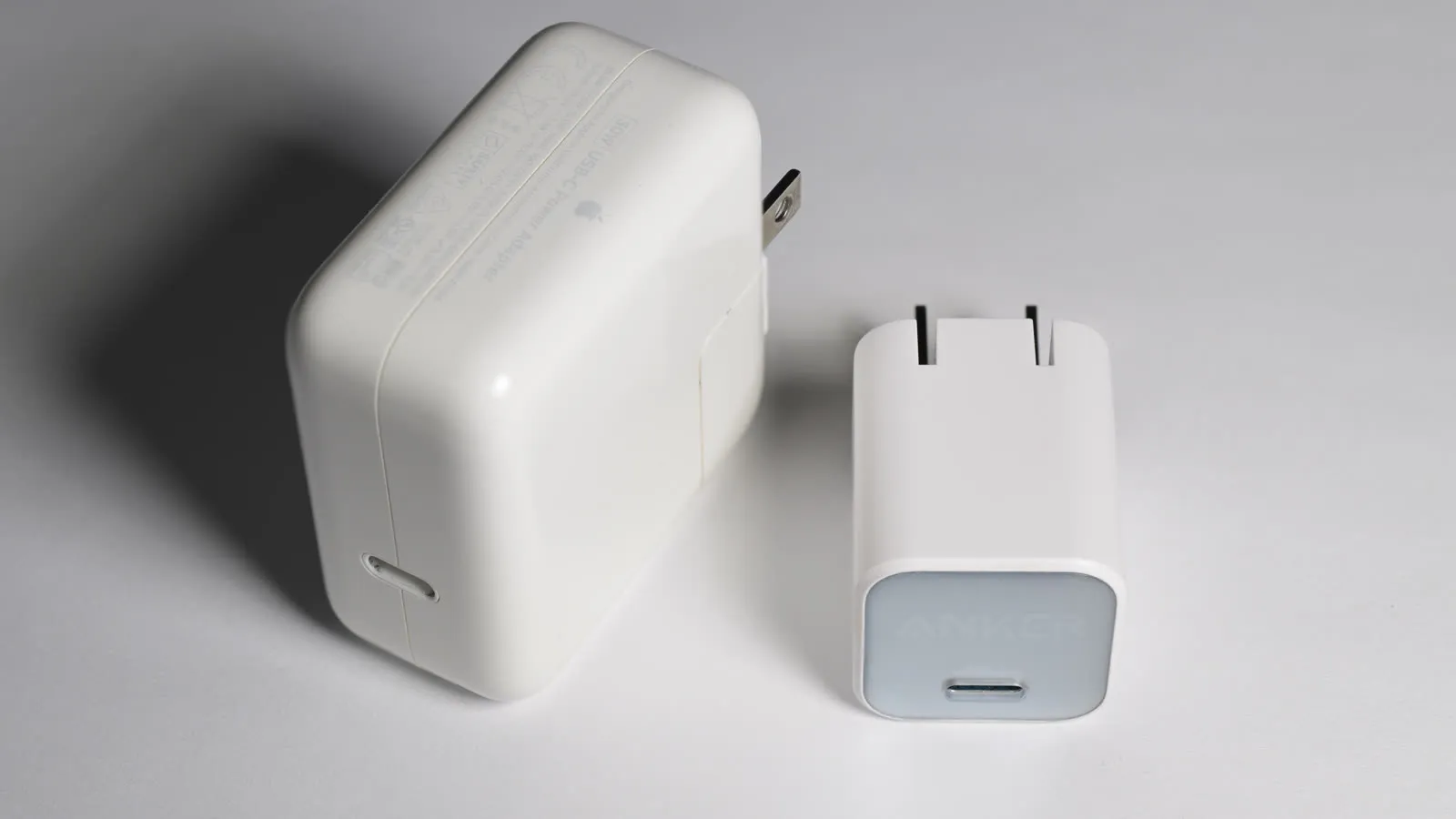
| Anker Nano 30W + cable | Speed, spending less | $20 – $30 |
For most people a plain Qi2 pad on the desk removes the daily annoyance and costs very little. The 3-in-1 station only pays off if you genuinely have three devices to charge every night. And if your actual complaint is that your phone charges slowly, induction won’t fix it. A 30W GaN charger and a good cable will.
Our recommendations
Anker MagGo Wireless Charger (Qi2 Pad)
The basics done right: magnets that align it for you and a real 15W on both iPhone and Qi2 Android phones.
Pros
- Magnetic alignment removes the guesswork of placement
- Full 15W on Qi2-compatible devices
- Weighted, grippy base stays put on a desk
Cons
- Power adapter sold separately on most versions
- Non-Qi2 Android phones drop to 7.5W
- The cable is fixed to the unit and reviewers flag the strain relief as light for something tugged at daily
- It slides on a smooth desk if you lift the phone one-handed
$25 – $40
Check price on AmazonAnker MagGo 3-in-1 Foldable Station
Charges phone, earbuds and watch from one outlet, clearing a whole nightstand.
Pros
- One cable and one outlet for three devices
- Folds flat, so it doubles as a travel charger
- Props the phone at a readable angle while charging
Cons
- Several times the price of a plain pad
- Watch pucks are brand-specific (Apple or Samsung, not both)
$80 – $130
Check price on AmazonAnker Nano 30W USB-C Charger (the cable alternative)
If your real complaint is charging speed, a cable still beats every wireless charger made.
Pros
- Two to three times faster than induction
- No energy wasted as heat next to the battery
- Costs less than half a decent magnetic charger
Cons
- You have to plug it in, which is the thing you wanted to avoid
- Repeated plugging wears the phone's port over years
$20 – $30
Check price on AmazonPrices are reference ranges and change often, so check the current price on Amazon before buying.
Frequently asked questions
What's the difference between Qi, Qi2 and MagSafe?
Qi is the older standard: 7.5W on iPhone and no magnets, so you have to place the phone precisely. MagSafe is Apple's version with a magnet ring and 15W. Qi2 is the open standard that adopted those magnets. A Qi2 charger delivers 15W to both iPhones and compatible Android phones.
Does wireless charging damage the battery?
Not directly, but it produces more heat than a cable, and heat is what degrades lithium batteries over years. Charging on a bed or through a thick case makes it worse. On a ventilated pad with a thin case, the difference in battery lifespan is small.
How much energy does induction waste?
Roughly 20% to 40%, depending on alignment. Magnetic chargers waste less because the coils always line up. The cost on your power bill is trivial; what matters is that the wasted energy becomes heat right next to the battery.