Wireless Mice for Productivity: A Buying Guide
Updated on August 13, 2026
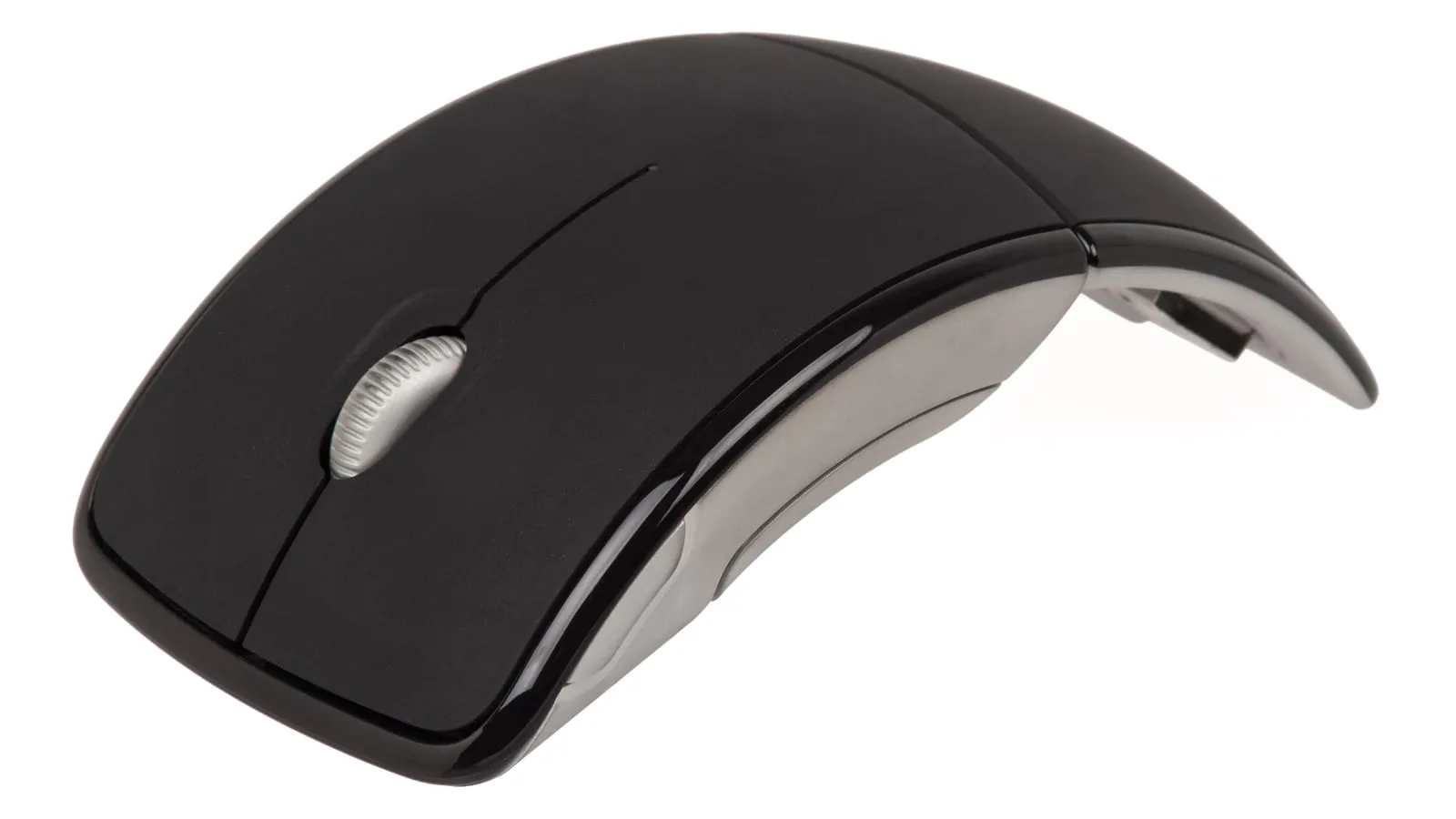
A good wireless mouse isn’t the one with the most buttons. It’s the one you stop thinking about during the workday. The criteria that actually affect comfort are easy to check.
What to look at before price
- Hand size and grip: a mouse that’s too small forces your fingers into a claw and causes fatigue. Measure your hand from wrist crease to middle fingertip and match it to the spec sheet.
- Connection type: Bluetooth is universal and saves a port; a 2.4GHz receiver wakes faster and holds up better in a room full of wireless devices.
- Battery life: good models now last weeks or months per charge. Anything measured in days is a design failure.
- Adjustable DPI: useful if you move between a laptop screen and a large external monitor.
The DPI number in the listing is the least useful spec there
Cheap mice advertise 4,800, 8,000, 16,000 DPI because it is the easiest figure to inflate and the one that looks decisive when you are comparing two rows in a list. DPI is only sensitivity: how far the cursor travels for a given movement of your hand. Most people working on a 1080p or 1440p screen sit between 800 and 1,600, and the rest of that range is never used.
What actually produces the feeling of precision is elsewhere: whether the sensor keeps tracking during fast movement instead of losing the surface, and how often it reports position. Neither figure tends to appear on an office mouse listing, which is exactly why DPI fills the space. For work, the specs that survive scrutiny are hand fit and connection reliability.
The receiver detail that causes wrong purchases
People buying a keyboard and mouse from the same brand usually assume one receiver covers both. Not necessarily. Logitech runs two wireless receiver standards: the older Unifying, and Logi Bolt, which is newer and encrypts by default. They are different protocols, and a Bolt dongle does not talk to a Unifying-only device. The M720 Triathlon here is Unifying, while the current MX keyboards ship Bolt, so the pairing people expect to work does not.
The MX Master 3S is the exception worth knowing about, because it can be paired to either kind. That makes it the mouse that adapts to whichever receiver you already have, rather than the one that demands a second USB port. Check the box for the logo before you plan your port budget.
What owners report after the first year
The MX Master 3S has one dominant long-term complaint and it is not electronic. The rubberised coating on the palm rest degrades: it turns tacky, changes texture, and eventually lifts at the edges. Sweat and skin oils are the usual accelerant, along with heat and direct sun, and owners report it happening inside the first year of heavy use. Two things are worth knowing. Logitech support has treated it as a warranty defect rather than fair wear, so it is worth claiming instead of tolerating. And replacement grips and vinyl skins exist specifically for this mouse, which is the cheap preventive fix if you sweat or work near a window.
On the M720 Triathlon and the cheaper Logitech mice, the recurring fault is the scroll wheel rather than the buttons. The reports describe the same behaviour every time: the page jumps up and down at once, or a scroll has to be repeated because the first one registers nothing. It shows up months into ownership rather than years, which points at an economical encoder rather than wear. Factor that into the maths: a mouse that costs a third as much and lasts a fifth as long is not the cheaper purchase.
On the Lift, the criticism is almost entirely about sizing, and it is the single thing to get right. Reviewers’ hands-on comparisons put it firmly at small to medium; large hands are meant to buy the MX Vertical, which shares the same 57-degree angle in a bigger shell. The MX Vertical has its own known annoyances in exchange, with the thumb rest sitting low enough that the thumb slides over a long session and the little finger dragging on the desk. The Lift’s quieter clicks are the reason many people prefer it even where both fit.
Prices swing widely inside the same product line, so always check the specific model before buying.
Quick comparison
| Model | Best for | Price range |
|---|---|---|
| Logitech MX Master 3S | All-day professional use | $85 – $110 |
| Logitech M720 Triathlon | Best value, multi-device | $30 – $45 |
| Logitech Lift | Wrist pain, ergonomics | $55 – $75 |
If budget is the binding constraint, the M720 Triathlon covers the essentials and runs for two years on one battery. If the mouse is in your hand eight hours a day, the MX Master 3S is one of the few peripherals where paying more genuinely buys a better day, and if your wrist already hurts, start with the Lift instead.
If the ache that brought you here is in your wrist or your neck, look at the whole desk before replacing just the mouse: a compact keyboard brings the mouse closer to your body and takes the twist out of your shoulder, and a laptop stand fixes screen height, which is the most common cause of end-of-day pain.
Our recommendations
Logitech MX Master 3S
The mouse to buy if you use one all day: a free-spinning scroll wheel, three-device switching, and a shape that stops wrist ache.
Pros
- MagSpeed wheel scrolls a thousand lines in one flick
- Switches between three computers with a button press
- Roughly two months of battery per USB-C charge
Cons
- Expensive, and hard to justify for light use
- Too large for small hands or a claw grip
- The rubberised palm grip is the known long-term weak point: it turns sticky and lifts, sometimes inside the first year
- Right-handed only, with no mirrored version
$85 – $110
Check price on AmazonLogitech M720 Triathlon
Most of the MX experience for a third of the price, including multi-device switching.
Pros
- Two-year battery life on a single AA
- Pairs with three devices like its pricier sibling
- Comfortable full-size shape without the premium markup
Cons
- Scroll wheel is stiffer and noisier than the MX
- Older sensor is less precise on glossy surfaces
- Uses the older Unifying receiver, so it will not share a dongle with a Logi Bolt keyboard
- Scroll wheel faults are the model's most reported complaint, and they turn up well before the battery runs out
$30 – $45
Check price on AmazonLogitech Lift Vertical Ergonomic Mouse
The fix for wrist pain: a 57-degree vertical angle that keeps your forearm from twisting all day.
Pros
- Genuinely relieves wrist strain in long sessions
- Quiet clicks, welcome in a shared office
- Sized for small and medium hands, unlike most vertical mice
Cons
- Takes about a week to stop feeling strange
- Vertical grip is slower for precise design work
- Built for small to medium hands, and large hands need the bigger MX Vertical instead
- Lower sensor resolution than the MX line, which matters for photo and design work
$55 – $75
Check price on AmazonPrices are reference ranges and change often, so check the current price on Amazon before buying.
Frequently asked questions
Is there noticeable lag compared to a wired mouse?
For productivity work, no: both Bluetooth and 2.4GHz USB receivers are well below the threshold you can perceive. Competitive gaming is the only case where wired or high-polling-rate wireless still wins.
Bluetooth or USB receiver?
Bluetooth saves a port and works with tablets and phones. A dedicated 2.4GHz receiver reconnects faster after sleep and is more reliable in crowded wireless environments. The best mice offer both, and you should use whichever your machine handles better.
Is a vertical ergonomic mouse worth it?
If your wrist aches after a few hours, yes: it removes the forearm rotation that causes it. If you're comfortable now, a conventional mouse that fits your hand size is a better use of the money.
Read next
Peripherals
Does a vertical mouse fix wrist pain?
Peripherals
Is an ink tank printer worth it at home?

Peripherals